{{text}}
Share
At Synqro, Webflow agency specialized in the creation of tailor-made sites, each year we support dozens of companies that hesitate between two major tools: Elementor vs Webflow. This comparison comes up constantly when you want to create a website professional without coding. And the reality is simple: these two tools respond to different logics, which makes the choice strategic.
In 2026, businesses want a site builder efficient, fast, stable and able to manage a design advanced without depending on a multitude of plugins. In other words, they are looking for a tool that can help create an effective, sustainable and optimized site from the start.
In this article, we are going to compare Webflow and Elementor in depth, supported by figures, with Synqro's field experience. Result: you will have all the concrete elements to pick between these two tools, understand their strengths, limitations, costs and specific use cases.
Elementor vs Webflow: what are the fundamental differences between the two tools?
Analysis of the structural differences between Elementor vs Webflow is essential before evaluating their performance. Indeed, Webflow and Elementor are based on two completely distinct technical environments: one is a all-in-one platform, the other one WordPress plugin. In other words, they are not two identical tools but two philosophies of site creation.
Elementor is a WordPress plugin while Webflow is an all-in-one platform that hosts, designs and publishes a website without external dependency.
According to W3Techs (2025 data), WordPress represents 43% of global sites, which explains the massive presence of Elementor. Conversely, Webflow has experienced annual growth of +25% since 2023, driven by the rise of no-code and the search for native performance.
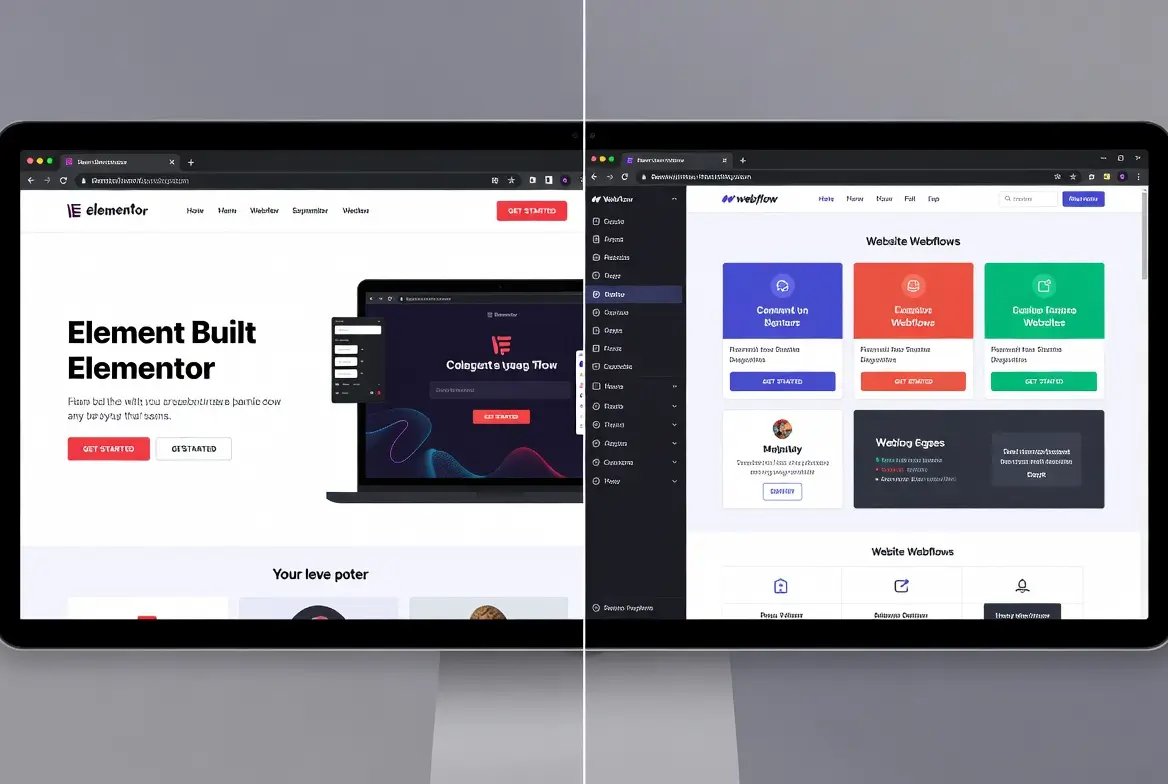
What immediately distinguishes the two tools
- Infrastructure : Elementor requires a WordPress hosting, while hosting is included in Webflow.
- Generated code : Elementor generates a Heavier code, while Webflow allows a clean and optimized export.
- User experience : Webflow is designed as a complete visual studio; Elementor is based on drag and drop Classic page builder.
- Maintenance : Elementor involves automatic updates, installed plugins, sometimes juggling compatibility. Webflow centralizes everything.
In addition, Webflow allows you to create professional sites with advanced interactions, while Elementor is ideal for those looking for a quick handling without coding.
According to our projects at Synqro, Webflow sites obtain an average Lighthouse score of over 90, thanks to clean code and an optimized native structure.
Here is a table to clearly visualize the differences between Elementor vs Webflow:
Webflow offers greater creative freedom, while Elementor offers a free version and an accessible WordPress ecosystem.
Elementor and Webflow: which offers the best design for a professional website?
After studying the structure of both tools, it is essential to examine their ability to produce a design modern and evolving. Indeed, the visual quality of a website directly influences conversion, credibility and brand perception. This is why Synqro systematically analyzes this point during a project.
Webflow is now one of the few no-code tools that allows you to create sites at design tailored with complex dynamic interactions without depending on extensions.
In addition, Webflow offers a library of Templates premium much closer to modern UI/UX standards. Conversely, Elementor remains limited by the constraints of WordPress, in particular the structure of the theme used.

Comparison on visual personalization
- Webflow : Offers almost total freedom, perfect for custom design.
- Elementor : Based on a widget system, faster but limited by theme options.
- Webflow and Elementor : Both allow you to create pages visually without coding.
- Elementor Pro : Unlock all the widgets but still relies on WordPress.
In our projects, Webflow allows you to customize each CSS property via a ui intuitive, making it an incredibly powerful tool for creating high-end sites.
Finally, Webflow allows you to integrate dynamic interactions, a key advantage in creating a website lively and immersive. Elementor may seem simpler at first, but Webflow takes advantage as soon as a project requires a design tailor-made or an advanced animation.
Webflow and Elementor: what performances and what impact on SEO in 2026?
Now that the design has been clarified, it is time to analyze the performance and the SEO, two decisive criteria for pick between Elementor or Webflow. Indeed, the speed, stability and quality of the code directly influence SEO, as confirmed by Google in its Core Web Vitals.
Webflow generates clean and optimized code that ensures fast loading times, where Elementor depends on the number of plugins installed and adapted WordPress hosting.
According to GTmetrix (2024), Webflow sites get an average load time of less than 1.2 seconds, while Elementor sites vary greatly depending on the hosting chosen.
What really influences performance
- Lodging : Webflow integrates optimized automatic hosting; Elementor requires efficient WordPress hosting.
- Number of plugins installed : The more there are, the more Elementor slows down.
- Generated code : Webflow generates cleaner code, Elementor generates heavier code.
- Maintenance : Elementor requires a bit of follow-up, Webflow manages everything directly.
At Synqro, we observe that while Webflow remains stable even with complex animations, Elementor is more sensitive to server variations. That's why Webflow is often the best choice for a project requiring sustainable performance.
Which site builder is the easiest to use: Elementor or Webflow?
After comparing their performance, it is essential to assess the Getting started, a decisive criterion for pick between two tools. Indeed, a site builder must be simple to use while providing sufficient depth to create scalable sites.
Webflow is an all-in-one platform that is more demanding at the beginning, but it becomes faster and more efficient than a traditional builder as soon as you master its interface.
Elementor seduced first of all thanks to its system of drag and drop very accessible. Its interface reassures beginners, and the free version allows you to create your first pages in a few minutes.
Webflow, on the other hand, works like a real web design studio, with visual CSS/HTML logic. This requires a bit of adaptation, but then offers incomparable precision.
What really changes the grip
- Immediate simplicity : Elementor is ideal for an accessible and fast WordPress site.
- Full control : Webflow allows a design that is controlled to the pixel accuracy once the tool is tamed.
- Templates : Both tools offer many templates, but Webflow's are closer to modern UI/UX standards.
- Evolution : Webflow takes the advantage for projects where the personalizing visual premium.
Chez Synqro, we see that a completely beginner user takes about 3 days to feel comfortable on Elementor and 5 to 7 days on Webflow. But once mastered, Webflow becomes incredibly powerful and speed up the creation of sites complexes.
Webflow vs Elementor: what is the best choice for a dynamic site and a scalable CMS?
After getting started, it is necessary to assess the ability of both tools to manage a content management system (CMS), because the dynamic structure of a website is often a key factor for modern businesses. Indeed, a flexible CMS makes it possible to create lively sites that are easy to update.
Webflow is a complete visual CMS that allows you to create dynamic structures without coding, while Elementor depends on the WordPress ecosystem to manage advanced content.
Webflow integrates a native CMS. It allows you to create custom collections, dynamic fields, filters, and automatically linked pages.
Elementor, for its part, uses the WordPress structure, which can be powerful, but often depends on the number of installed plugins and their compatibility.
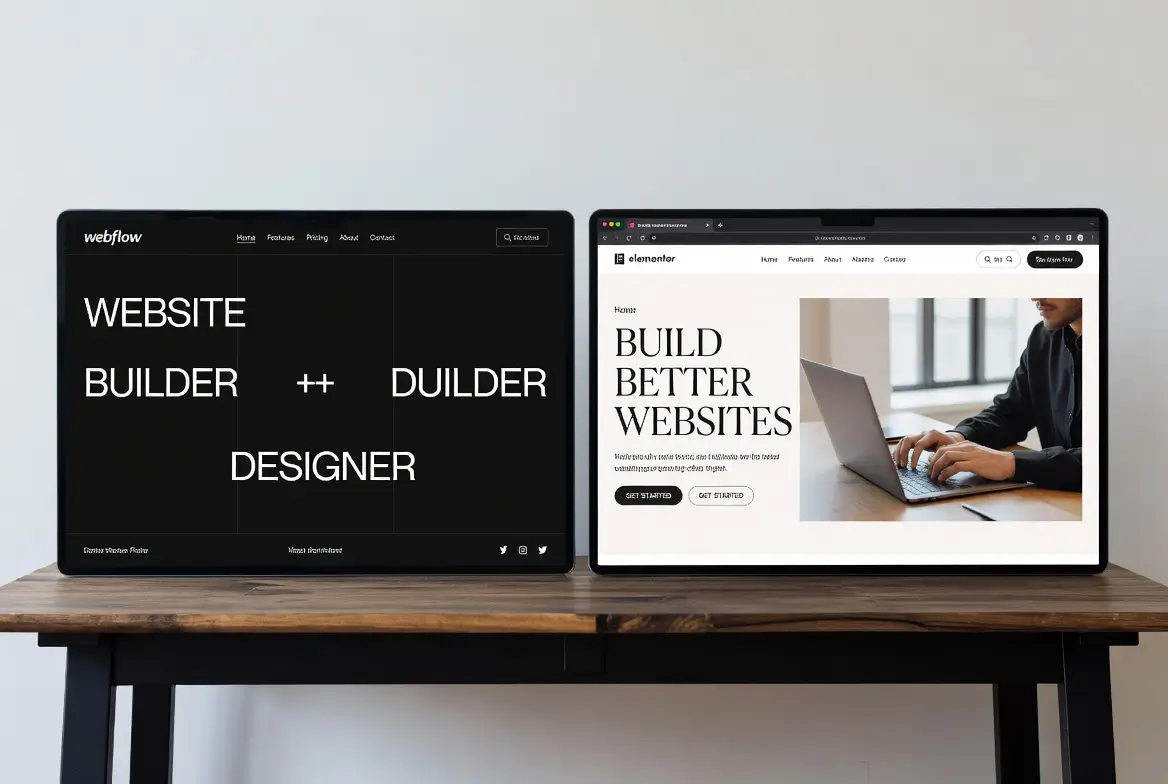
CMS comparison
- Webflow allows to create flexible collections (news, resources, products, customer cases).
- WordPress is robust, but sometimes requires juggling different plugins.
- Dynamic interactions : Webflow manages native animations on dynamic content.
- Elementor offers an excellent integration of WordPress data, but is limited by the structure of the theme.
According to our field experience at Synqro, Webflow surpasses Elementor on projects requiring high scalability: SaaS sites, catalogs, resource bases or high-volume blogs.
In addition, webflow is a platform which combines CMS, design and automatic hosting, which greatly reduces maintenance.
Elementor vs Webflow: what are the real costs in 2026, and which is the most profitable?
After the technical aspect, you have to analyze the position of cost, as the decision can have a direct impact on profitability. Indeed, the choices of hosting, plugins and pro versions can heavily vary the final budget.
Elementor seems cheaper at the start thanks to its free version, but Webflow often becomes more profitable when you integrate the necessary hosting, maintenance and premium plugins into WordPress.
Comparison of real costs
- Elementor offers a free version., ideal for small budgets.
- La Pro version introduces advanced features but requires an annual subscription.
- The WordPress site under Elementor requires a WordPress hosting adapted.
- Webflow includes hosting, automatic updates, and better native performance.
What we observe at Synqro
- An Elementor site can cost 1.5× to 3× more expensive over time if we add:
- premium plugins
- The maintenance
- The security
- efficient hosting
- Conversely, Webflow plans are fixed, predictable, and the infrastructure is integrated.
In addition, in 2026, Webflow plans evolved, and The plans start with more resources than in previous years. This makes the platform more competitive to create a webflow website complete professional.
Elementor or Webflow: which tool should you choose according to your project in 2026?
After cost analysis, it becomes crucial to identify which tool really corresponds to each type of project. Indeed, the decision depends on your needs, your budget and your ambition in terms of site creation. In other words, there is no one-size-fits-all answer, but there are clear scenarios.
Webflow is the best choice for businesses that want a designer, efficient and scalable website, while Elementor is better suited to WordPress users looking for a simple and economical builder.
Webflow is ideal for projects where performance, stability and custom design come first.
Elementor, on the other hand, remains perfectly suited to create simple professional sites, with accessible WordPress logic.

Which tool for what need?
- For a custom design : Webflow offers incomparable freedom.
- For small budgets : Elementor and its free version allow you to get started quickly.
- For evolving projects : Webflow is a more robust all-in-one platform.
- For WordPress enthusiasts : Elementor integrates perfectly into the WordPress ecosystem.
Chez Synqro, we recommend Webflow in more than 80% of cases, because it allows us to create websites that are fast, stable and easy to maintain. It is a tool that allows us to create efficient sites while optimizing SEO and dynamic interactions without depending on plugins.
Webflow vs Elementor: Synqro case study and field feedback
To conclude the analysis, it is essential to provide concrete elements from real projects. In fact, the real performances of the tools are confirmed only when field data is observed.
The Webflow sites we create regularly reach between 90 and 98 on Google Lighthouse, thanks to the clean code structure and the integrated automatic hosting.
Conversely, Elementor sites can achieve great scores, but only if:
- WordPress hosting is premium,
- the plugins are optimized,
- and the number of scripts is still limited.
What we've been seeing since 2024—2026
- Webflow sites are more stable over time.
- Elementor sites require more regular monitoring.
- Webflow generates lighter code, which is therefore easier to optimizing.
- Elementor depends on the quality of the theme and the number of plugins installed.
This data confirms why Webflow has become one of best Webflow agencies are looking to create modern websites, especially in France (Webflow in France has been experiencing strong growth since 2025).
FAQS
Is Webflow suitable for an e-commerce site?
Yes, Webflow is suitable for an e-commerce site and allows you to create custom stores without additional plugins. Webflow offers an integrated e-commerce system with product management, variants, promotions and payments. The all-in-one platform simplifies hosting, maintenance, and security, making it particularly reliable for online stores. Thanks to his Dynamic CMS And to his interactions, it allows custom designs that are impossible to reproduce easily on WordPress without plugins. For shops demanding in terms of performance, Webflow often surpasses traditional builders. Elementor remains a viable alternative but depends on dedicated WordPress plugins.
Elementor or Webflow: which is better for SEO?
Webflow is generally better for SEO thanks to its clean code and optimized hosting. Elementor can also perform well, but depends more on the theme, WordPress hosting, and the number of plugins installed. Webflow generates lightweight code, automatically manages responsive, tags, sitemaps and redirects. Elementor requires more manual configuration to achieve the same level of optimization. According to our tests at Synqro, The sites built on Webflow get higher Lighthouse scores, which promotes organic visibility. However, a well-optimized WordPress site can compete if best practices are respected.
Does Elementor offer a free version that's enough to create a site?
Yes, Elementor offers a free version that's enough to create a simple site with sections, buttons, columns, and images. This free version allows you to discover the tool, but it quickly reaches its limits for a professional site. As soon as you need advanced forms, integrations, premium templates, or dynamic widgets, the pro version becomes essential. In addition, the free version does not compensate for aspects related to WordPress hosting, maintenance, or additional plugins. Webflow, for its part, does not offer a complete free builder, but offers an all-in-one environment that is more stable in the long term.
Is Webflow better than a WordPress plugin like Elementor?
Yes, Webflow is better than a WordPress plugin like Elementor when looking for a powerful all-in-one tool. Webflow integrates hosting, CMS, design and automatic maintenance. Elementor, on the other hand, remains dependent on WordPress, hosting, updates, and the number of plugins. This adds points of fragility. On projects requiring advanced design, a charging time optimized and an evolving structure, Webflow is taking a clear lead. However, Elementor is still great for WordPress users or for low-budget projects. The choice depends on your real needs.
How much does a Webflow site really cost in 2026?
A Webflow site generally costs between €12 and €49 per month depending on the plan chosen, hosting included. The plans start with sufficient resources for a standard corporate site. Unlike Elementor, there are no hidden costs related to the theme, premium plugins, or maintenance. Over time, Webflow is often more profitable because everything is centralized and automatic. In Synqro projects, a professional Webflow site offers constant stability and performance, without the need for technical interventions. Elementor remains an economical option, but its real costs increase depending on the plugins and hosting required.
Conclusion — What is the best choice between Elementor and Webflow?
In conclusion, it is clear that Webflow dominates when your goal is to create a website fast, stable and professional, with a design custom made and a CMS scalable. Elementor remains a great solution for WordPress users, small budgets and those who want a quick handling thanks to its free version.
Chez Synqro, we recommend Webflow in the majority of cases, because it is a tool that allows us to create efficient, sustainable and optimized sites without depending on plugins. If you want to create a professional website with a premium result, stable and designed for SEO, Webflow is the best choice.
Do you want to create an efficient Webflow site?
Contact Synqro to get a quote or discuss your project.
Synqro's latest achievement