{{text}}
Share
Webflow vs Framer: which tool should you choose?
If you compare Webflow And Framer, you are looking for an operational answer: what tool makes it possible to deliver more quickly, with the best rendering, the best maintainability and a Seo sturdy. In this analysis, you will understand the differences in design, of CMS, ofanimation And creative experience, then leave with concrete recommendations based on your Web projects.
Chez Synqro, Webflow agency Specialized in Design and Performance, We Support Marketing and Product Teams Who Want a Website efficient, quick to iterate, and measurable. Our positioning is simple: we connect Creation of websites, conversion and technical requirements, to avoid “instinctive” tool choices that cost a lot to redesign. The Request “Webflow vs Framer” (to be used as an anchor in your content) reflects exactly this dilemma: to produce a premium site, without sacrificing control, scalability, and performance.
Webflow vs Framer: Which one should you choose to create websites?
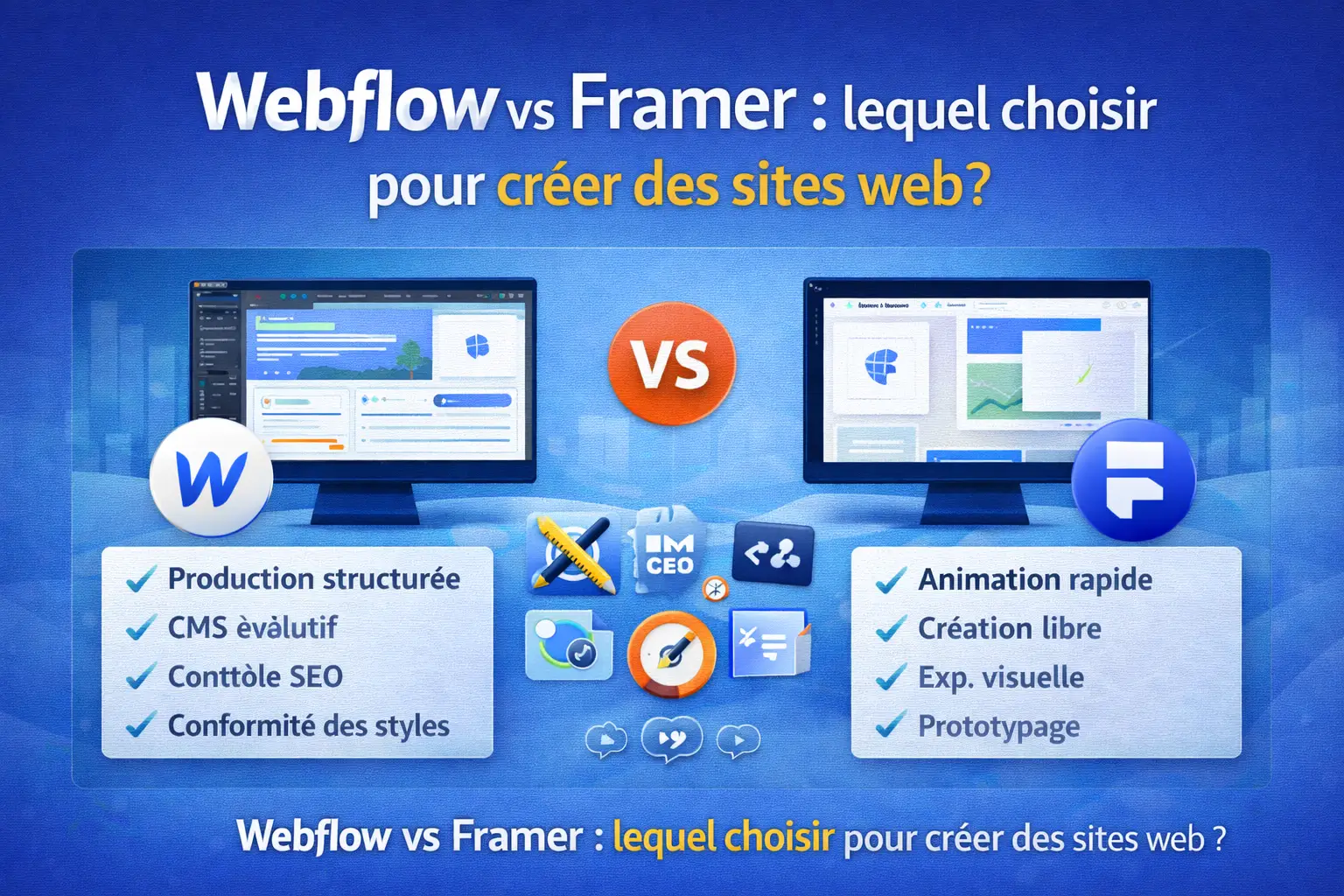
Webflow And Framer Are often put in the same category No-code, but their DNA is different. Webflow is a platform production-oriented: structure, components, pages, and especially CMS To manage content at scale. Framer is a tool Which aims for the speed of formatting and the prototyping experience, with a very”Design-first” and a strong culture ofInterplay.
When it comes to choosing, don't just compare the interface or the final look. Compare the ability to maintain the site, manage content, version, produce consistent pages, and industrialize. A site can be beautiful, but if the content model is fragile, you'll waste time with each iteration.
Structuring points to be evaluated:
- Design tool production-oriented (Webflow) or creative speed (Framer)
- Need a CMS Robust and collectible (advantage) Webflow)
- Level ofanimation And ofInteractive Expected (advantage) often Framer)
- Depth of Personalization and Governance (Often Overlooked) Webflow)
What is Webflow and why does the tool appeal to marketing teams?
What is Webflow : it is a visual creation platform that generates clean code, with a very fine level of control over the structure, styles and components. Webflow offers A model suitable for organizations that publish regularly, because the CMS Allows you to industrialize pages, templates, categories, and paths. On sites with a lot of content, Webflow becomes a production base more than just a publisher.
In a marketing context, the interest is twofold: you speed up the launch and you ensure consistency. You can work on acquisition pages, product pages, and editorial content without relying on a long development cycle. Webflow allows Also to Take Care of the Structure and the Fundamentals Seo, which is decisive for organic visibility.
What the teams appreciate:
- One Ui That separates structure, styles, and components
- One CMS Useful for blogs, case studies, sector pages
- A logic of design system and reuse
- Solid Foundations for the Seo And the performance
What is Framer and in what cases is the experience superior?
What is framer : it is a tool oriented to rapid creation, prototyping and putting online with a very “product” rendering. Framer focuses on ease of editing, fluidity, and the creation of highly visual experiences. Where Webflow promotes structure, Framer focuses primarily On composition speed, transitions, andanimation ready to use.
For short marketing pages, launches, or an ultra-visual showcase site, Framer Can offer a very competitive production time. Framer offers a free plan, making it easy to explore and test internally. In practice, Framer can Be great when you have a strong design team and a need to quickly deliver a “polished” experience.
When Framer Takes advantage of:
- Focus onInteractive And theInterplay On the screen
- animation and integrated micro-interactions
- Use of reusable components and sections
- Typical cases: Portfolio, launch landing, short product page
Figma design and workflow: which is the most effective?
On the map design, the experience is very different. A lot of teams start from Figma : models, components, variants, then production. With Webflow, the passage of Figma at the site involves a structured construction phase (grids, classes, components). With Framer, the approach is often more immediate, closer to a “canvas” composition that lends itself well to rapid iteration.
The key point is your level of maturity in design system. One designer Who Masters Production Constraints Will Appreciate Rigor Webflow. Conversely, a designer Who wants to prototype quickly, test transitions and adjust a page continuously can find Framer More fluid. This is where the choice becomes strategic: deliver a “wow” effect quickly, or build a sustainable base.
Workflow choice criteria:
- Continuity Figma → Going Live and Iterations
- Ability to maintain consistent styles across 50+ pages
- Component Management and Reuse
- Adjustment Speed design Without Breaking the Structure
.webp)
CMS, content and website creation: which tool holds the load?
The most decisive difference is often the CMS. Webflow is designed to manage collections, content types, templates, and a Creation of websites scalable. For blogs, case study pages, service sheets, or a multi-section site, Webflow offers a depth of modeling that underlies production and governance.
Côté Framer, the logic is lighter. Framer Does Not Offer Not the same level of content structuring as a CMS comprehensive, which may limit rich sites or sites that grow quickly. This Does Not Mean That Framer Is bad, but that it is more suited to simple architectures, where the content is less industrialized.
When content becomes a central topic, Webflow stands out A more robust base, with a more “system” approach. If your goal is to Create sites with a high density of pages and sustainable maintenance, the advantage often changes.
Points to check:
- Capacity CMS : collections, fields, templates, filters
- publishing process, review, and Editorial Consistency
- Industrialization for Create sites We have a large scale
- Organization of pages and scalability of a Website
Animation, Interaction, and Interactive Sites: Does Framer Really Excel?
On theanimation And theInterplay, Framer is often perceived as more immediate. Framer excels in creation smooth effects, transitions, and effortless micro-interactions. For a site where the sensation ofInteractive is at the heart of the value proposition, Framer Can speed up production, especially on short pages.
That said, Webflow excels Also, but in a different way. You can build solid animations, scroll interactions, and advanced behaviors with a more structured approach. The challenge is maintainability: if your animation is linked to a design system and components, Webflow Often gives you more control in the long run.
We must therefore avoid a cliché: “Framer for the animation, Webflow for the rest”. In fact, the choice depends on the overall complexity of the site and the need for governance.
Items to compare:
- Speed of Setting Upanimation And ofInterplay
- Consistency of behavior throughout the site
- Fine Control and Reuse in a Database Webflow
- Ability to Remain Stable as the Site Grows
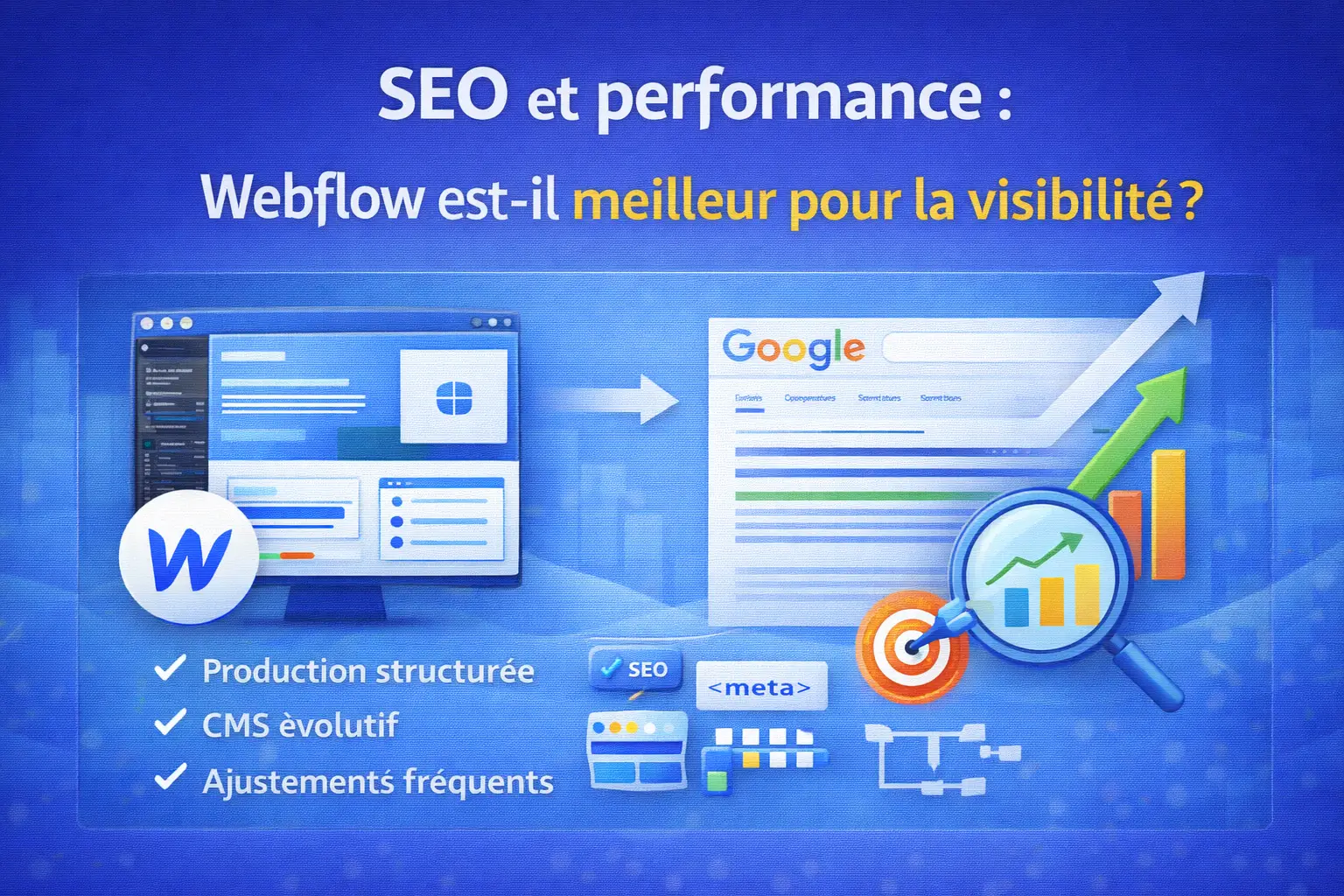
SEO and performance: is Webflow better for visibility?
The question”Is Webflow Best in Seo” comes up often, because structure, performance and page control are decisive. Overall, Webflow Allows precise management of tags, URLs, redirections, and structure. This rigor supports organic performance when you make a site grow over time.
Framer Has progressed, but its “speed and delivery” positioning may be less favorable if your priority is to orchestrate a content strategy with a CMS rich. The Seo Also depends on the structure, content, and quality of the pages, not only on the tool. However, on important architectures, Webflow Often gives more levers, which is important for marketing teams.
What happened in the Seo :
- metadata control, Hn structure, and URLs
- Performance and Stability of the Pages
- Consistency of publication via CMS
- Ability to Manage a Growing Site Without Debt
Prices, plans and scalability: which tool is the most rational?
The cost is not just the price ofSubscription. It includes production time, iterations, maintenance, and the risk of redesign. Webflow offers several plans adapted to marketing sites, content sites and team needs. Webflow offers A very scalable base, especially when you anticipate new pages, sections, and governance.
Côté Framer, accessibility is attractive: Framer offers a free plan That requires adoption. For short sites, this may be rational. But as needs increase, the hidden costs can come from content management, manual repetition, and governance that is less structured than a CMS sturdy.
If you have an ambition for growth, also think about the organization: roles, reviews, publication, stability. Webflow has Of an ecosystem that is more oriented to long-term production, and can also be part of more demanding contexts such as Webflow Enterprise.
Points to budget:
- tool cost + production cost + maintenance cost
- Need CMS and industrialization
- Scalability of pages and components
- Migration risks if the site changes scale
Choosing between Webflow and Framer: recommendations according to your web projects
The Choice Between Webflow and Framer Depends of your main objective: sustainable structure or speed of execution on a short perimeter. If your site is a marketing asset that will grow, with content, SEO and iterations, Webflow is a complete platform and often more rational. If You Aim for a Very Visual, Short, Oriented Experience animation and product feeling, Framer is ideal to quickly deliver a high-end result.
The most reliable recommendation is based on the use case, not on preferences. In a lot of teams, the question Webflow or framer Is solved by the roadmap: how many pages today, how many tomorrow, and what level of content?
Typical cases:
- site content, acquisition, growth: Webflow And his CMS
- very visual landing, quick launch: Framer offers Of the speed
- need a stable and maintainable site: Webflow Shines
- Need to prototype and iterate visually: Framer stands out
Synqro: Our approach for deciding and delivering a successful site
At Synqro, we don't sell a tool, we secure a result. When a customer hesitates, we frame the decision around production, maintainability, Seo, and real marketing needs. In short: we avoid choosing a tool because it “does the animations better” if the site has to manage 200 pages of content in six months. Webflow also offers Resources to increase competence, and we support this increase in competence through Webflow University (useful reference for structuring sustainable adoption).
Our method is pragmatic: needs audit, architecture, design system, and alignment with a performance requirement. For some cases, we are also evaluating alternatives, but the challenge remains the same: deliver quickly, remain consistent, and maintain control. This sometimes includes a broader comparison like Webflow vs Bubble, when the project goes beyond a simple window.
What we deliver in concrete terms:
- Framing the choice of tool according to the content, the CMS And the Seo
- Production on Webflow With Components and Governance
- Optimizing performance, structure and conversion path
- Support to industrialize creation and maintenance
Webflow and Framer FAQ
Webflow or Framer for a simple and fast showcase site?
For a short, image-oriented and rendered showcase site, Framer is often very effective. Editing is smooth, the animation is quick to set up, and you can deliver a landing page with a high level of finish. On the other hand, if your storefront should evolve into a richer site, with several sections, service pages and a blog, Webflow Becomes more rational thanks to its structuring and CMS. The right decision is to estimate site growth over 6 to 12 months, as a simple storefront can quickly become a complete marketing site.
Is Framer suitable for a blog and a long-term SEO strategy?
A successful blog in Seo is based on regularity, structure, content management and the ability to industrialize. Based on these criteria, Webflow Is generally more comfortable because you can model content via the CMS, create templates, and maintain editorial consistency. Framer May be suitable for a limited volume, but as the number of items increases, the need for structure increases. If your ambition is to create a sustainable organic asset, Webflow Makes the trajectory more secure, especially for governance and scalability.
Is Webflow more difficult to learn than Framer?
Webflow May seem more demanding at the beginning, because it encourages us to understand the structure, classes and logic of production. This rigor is an advantage when the site grows, because it prevents clutter and debt. Framer is often more immediate, especially for a design team used to compose visually. So the question is not only the difficulty, but the type of learning: Webflow Can be learned as a production tool, Framer As a quick creation tool. For an organization that publishes often and wants a stable framework, the initial Webflow investment is generally profitable.
Can we go to Framer and then migrate to Webflow later?
It is possible, but you have to anticipate the cost. A migration often involves rebuilding the architecture, reconfiguring the content, and stabilizing the URLs to preserve the Seo. If you already know that the site will host a lot of pages, content and logic of CMS, start directly on Webflow avoid a future redesign. On the other hand, if your objective is to test a positioning, launch a page quickly and validate an offer, Framer Can be a great starting point. The key is to decide from the start whether the project is a short test or an asset that will be structured.
What solution should you choose for a product startup with a lot of animation?
A product startup may have a strong need foranimation, ofInterplay and premium rendering. Framer Meets this need very well, especially on Short Pages, where experience comes first. But if the roadmap includes a resource center, pages use cases, a blog and SEO content, Webflow Becomes a more robust choice, as it better manages the structure and the CMS. In many cases, the best approach is to prioritize: if the immediate objective is a highly visual product page, Framer is relevant; if the objective is a growing marketing platform, Webflow is more sustainable.
Webflow and Framer: What should you choose for a non-technical team?
Both tools may be appropriate for a non-technical team, but not for the same reasons. Framer Is often more direct when it comes to editing a page and adjusting the appearance. Webflow is more structuring: it creates a framework that maintains consistency, reuse, and large-scale publication. If the marketing team has to publish regularly and maintain a clean site, Webflow is often more secure. If the team mainly needs to produce a punctual, very stylish page, Framer can be faster. The right choice depends on the frequency of updates, the volume of pages, and the importance of the content.
Key Points to Remember
- Webflow is focused on production, structure and CMS, ideal when the site needs to grow and perform in Seo.
- Framer Is Very Strong On Speed, Theanimation and the visual experience, especially for short pages.
- The Choice Between Framer and Webflow Depends especially the volume of content, governance and scalability.
- For sustainable marketing sites, Webflow Shines thanks to structuring, reuse and maintainability.
- For quick and highly interactive launches, Framer is often more immediate and more “design-first.”
Synqro's latest achievement