{{text}}
Share
MCP in one sentence
The Model Context Protocol is an open standard published by Anthropic on 25 November 2024 to connect AI assistants to the systems where data lives. The specification is MIT licensed. On 9 December 2025, Anthropic transferred the protocol to the Agentic AI Foundation, a directed fund under the Linux Foundation co-founded with Block and OpenAI, with the governance model left unchanged. The current specification revision is dated 28 July 2026.
Three roles, and that is all. An MCP server exposes tools. An MCP client, your assistant, discovers and calls them. You approve. Before this protocol, every connection between an AI and a tool had to be hand coded.
The scale is real: in its December 2025 announcement, Anthropic counted more than 10,000 active public MCP servers and 97 million monthly downloads of its Python and TypeScript SDKs.
What Webflow's MCP server actually allows
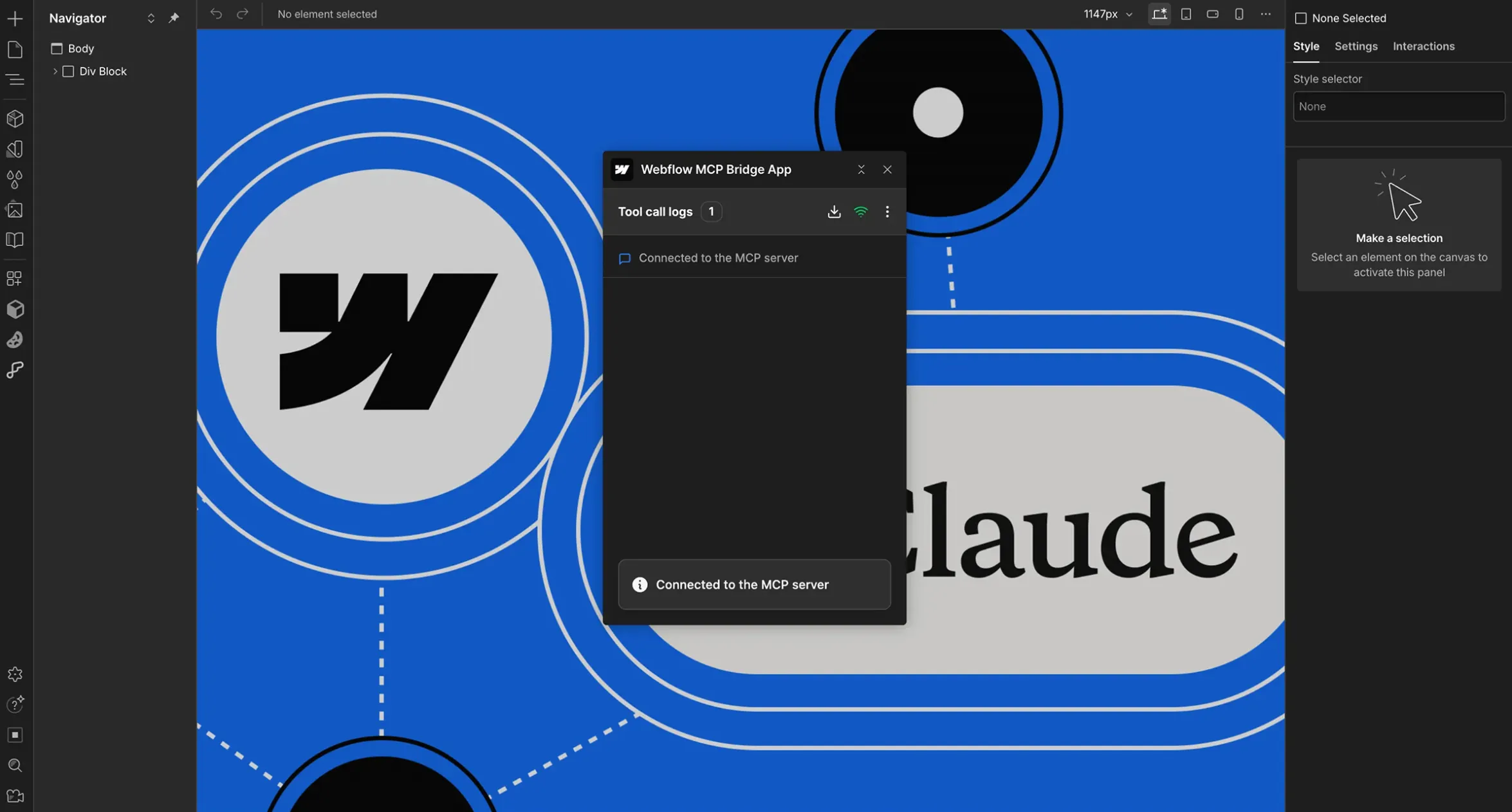
Webflow runs an official, remote server at mcp.webflow.com. Authorisation goes through OAuth, so no API key sits on your machine, and it covers one workspace at a time. Since the release Webflow calls MCP 2.0, announced on 21 July 2026, the Bridge App that linked an open Designer session is no longer needed for most use cases.
A connected agent can:
- read and write CMS items, create collections and fields;
- read and edit pages, their content and their SEO metadata;
- work on elements, styles, variables and components with their props, slots and variants;
- manage assets and custom fonts;
- publish the site.
One guardrail is written plainly in the documentation: through the MCP server, an agent can only do what you could do yourself in the Webflow Designer, and nothing more. Every change it makes lands in the site activity log. The server is available on all Site plans, including the free Starter plan, and to every role except Reviewer.
The Bridge App is still required for three things only: capturing an element visually, reading or changing the current Designer selection, and navigating the canvas.
Since Webflow Conf on 2 September 2026, a 2.1 release adds CMS queries on custom fields, GSAP interactions and Webflow Cloud deployment error reporting.
What it does not allow
The documentation lists the exclusions, and they matter:
- automating native Webflow interactions, meaning IX3;
- managing remotely hosted Google and Adobe fonts;
- creating new localized CMS items;
- changing workspace access or user roles;
- certain binding settings and element properties;
- page level analytics, with advanced functions requiring the Analyze add-on.
The third line is the one that bites on a multilingual site. An agent can work on a localized variant that already exists, it cannot create one. If your site runs on two locales, creation stays manual.
The API limits an agent hits in production
An agent talks to Webflow's Data API, so it inherits its ceilings. Nobody reminds you of them until a script stops halfway through an import.
| Operation | Documented limit |
|---|---|
| Bulk CMS item creation | up to 100 items per request |
| Site publish | one successful publish per minute |
| 301 redirects over the API | Enterprise workspaces only |
| Asset upload | two steps, create the metadata entry then post the binary to a signed S3 URL, MD5 hash required |
| Requests per minute | 60 on the former Starter and Basic plans, 120 on the former CMS, eCommerce and Business plans, custom on Enterprise |
Two blind spots are worth knowing before you automate volume. The official rate limit table still uses the plan names from before the May 2026 pricing simplification, which merged CMS and Business into Premium. And Webflow does not document whether calls routed through the MCP server consume the plan's Data API quota. Until that is written down, assume they do and work in batches.
Connecting a client
Webflow documents installation for Claude, Claude Code, Claude Desktop, ChatGPT, Cursor, Codex, Postman, Slack, Windsurf and Devin Desktop, plus any MCP compatible client configured by hand. On Claude Code, one command is enough: claude mcp add --transport http webflow https://mcp.webflow.com/mcp.
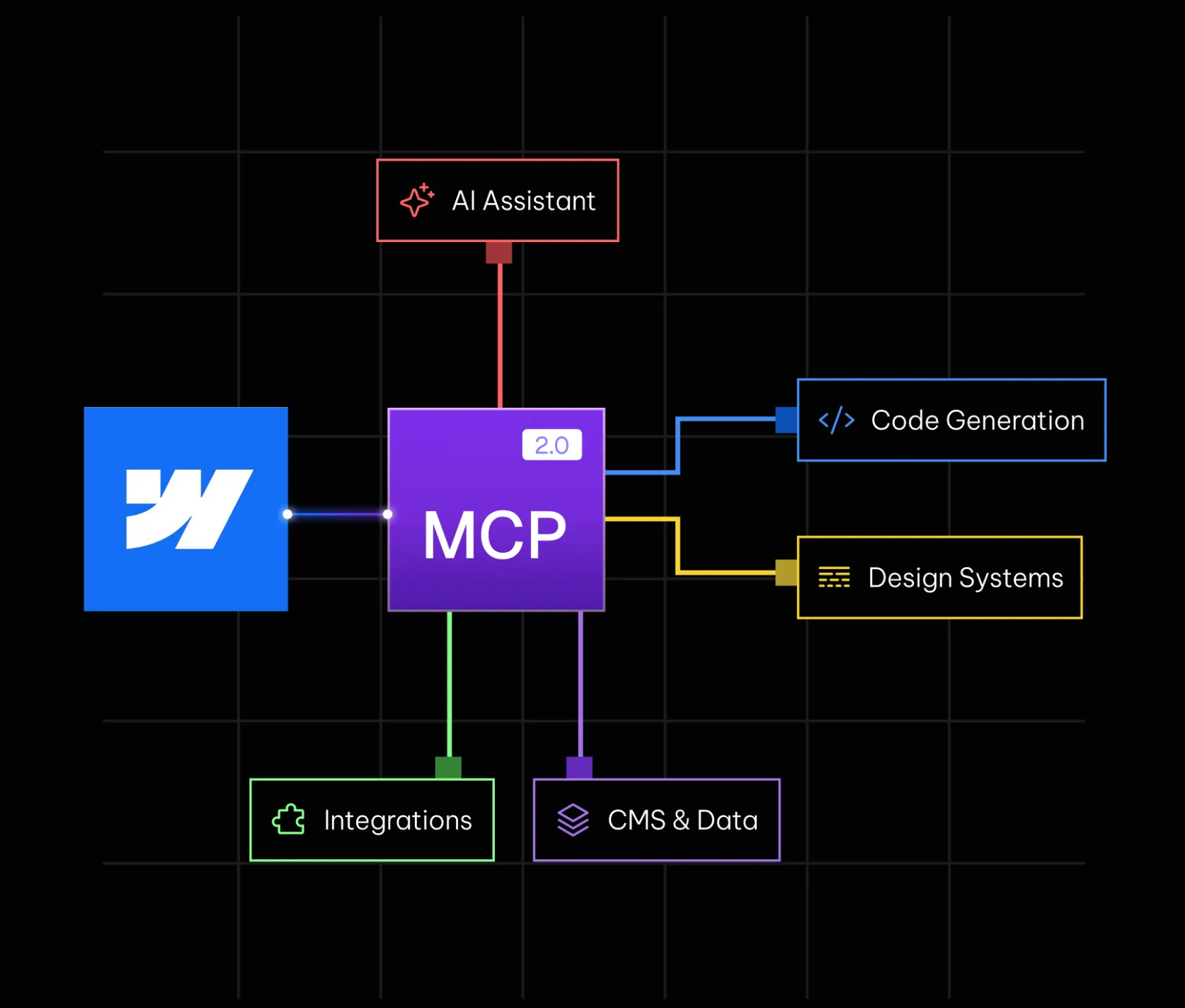
Your browser then opens the authorisation page, you pick which sites the agent may reach, and the Bridge App install is offered in the same flow. The token refreshes on its own and nothing is stored in clear on the machine.
The risk tutorials skip
An agent reading your CMS reads content you did not necessarily write: comments, form submissions, imported records, pages drafted by a contractor. On 16 June 2025 Simon Willison named the dangerous combination the lethal trifecta: an agent with access to private data, exposed to untrusted content, and able to communicate externally. With all three present, a hidden instruction inside content can hijack the agent. His conclusion is blunt: guardrails will not protect you.
This is not a theoretical worry. In May 2026 the NSA published a guide titled Model Context Protocol: Security Design, naming prompt injection, tool metadata poisoning and session token theft among the main risks, and stating that tool output should never be treated as implicitly trusted. OWASP maintains an MCP Top 10 whose first two entries are token mismanagement and privilege escalation via scope creep. One real flaw has already been patched in the ecosystem: CVE-2025-6514, a command injection in the npm package mcp-remote, rated 9.6 out of 10, published on 9 July 2025 and fixed in version 0.1.16.
No public incident targeting Webflow's MCP server specifically is documented to date, and that deserves to be said plainly rather than dressed up as fear. The reasoning still holds: your CMS is an input surface.
Three rules hold up. Authorise only the sites the task needs. Keep publishing manual, the agent prepares and you publish. Read the activity log after any broad session.
What it changes for SEO and GEO
MCP is a production tool, not a ranking factor. It will not lift a page. What it changes is the cost of a fix at scale: rewriting three hundred title tags, normalising alt text, adding structured data on a Webflow template, all of it moves from a multi day job to one supervised session.
On the GEO side the logic is the same: what gets you cited by an answer engine is the clarity and structure of the content, not the channel you wrote it through. Our guides on answer engine optimization and on the llm.txt file on Webflow cover that ground. Do not confuse it either with the AI features built into the editor, which we cover in our article on Webflow AI: MCP connects an external assistant to your site, Webflow AI lives inside the tool.
One adoption figure, with its caveat: in its 21 July 2026 press release, Webflow states that more than 30 % of its enterprise customers actively use MCP and that usage has quadrupled since January 2026. That is vendor communication, not an independent measurement.
How we use it
Synqro is a Webflow Premium Partner agency in Paris. As a Webflow SEO agency, we use MCP for three things: site wide metadata audits, repetitive fixes across whole collections, and consistency checks before a release. Never to publish without review.
For Koino, a consultancy specialised in artificial intelligence, we ran a redesign and GEO positioning work aimed at LLM agents. The detail is in the Koino case study. That is the kind of project where agent automation saves time on execution, provided the strategy is settled first.
If you want to work out what an agent could genuinely take over on your site, our Webflow agency team looks at it project by project. Tell us where you stand.
Frequently asked questions
What is Webflow MCP?
It is an official server hosted by Webflow at mcp.webflow.com that exposes your site to a compatible AI assistant. Once authorised through OAuth, the assistant can read and edit your pages, CMS items, styles and components, then publish.
Do I need a paid plan to use it?
No. The MCP server is available on every Site plan, including the free Starter plan, and to every role except Reviewer.
Can an agent publish my site on its own?
Technically yes, publishing is one of the exposed operations. In practice, keep that step manual. The Data API allows only one successful publish per minute anyway.
Can it create my translated pages?
No. Creating new localized CMS items is one of the documented exclusions. An agent can work on a localized variant that already exists, but cannot create one.
Does it replace a Webflow developer?
No. An agent can only do what a user could do in the Designer. It runs repetitive tasks fast, it does not decide an architecture or a design system.
What are the concrete security risks?
The main one is content injection: a hidden instruction inside a CMS item or a form submission that the agent reads and acts on. The NSA and OWASP also document token theft and tool metadata poisoning. Narrow the authorisation scope, keep publishing manual, read the activity log.
Which AI clients work with it?
Webflow documents Claude, Claude Code, Claude Desktop, ChatGPT, Cursor, Codex, Postman, Slack, Windsurf and Devin Desktop, plus any MCP compatible client set up manually.
Does it improve search rankings?
Not by itself. MCP lowers the execution cost of SEO work, it creates no ranking signal. What counts is still content quality, site structure and technical cleanliness.
Synqro's latest achievement