{{text}}
Share
Les Landing pages represent one of the most powerful marketing tools to turn your visitors into customers. Thanks to Webflow, creating powerful landing pages has never been more accessible, even without code skills. This article takes you through each step to design a Landing page that converts, maximizing your conversion potential and generating measurable results.
At Synqro, Webflow agency specialized in Webflow landing pages, we help businesses create optimized landing pages to increase their conversion rate. Discover how to transform your marketing strategy by fully exploiting the functionalities of Webflow.
What is a landing page and why should I use it with Webflow?
One Landing page is a web page designed with a single objective: to convert visitors into customers or prospects. Contrary to a website traditional with several navigation sections, a landing page targets a specific action. The user arrives on the page and must perform a specific action: fill out a form, download a resource, or make a purchase.
Webflow is the ideal platform for creating effective landing pages. It offers total creative freedom without the need for code, while still allowing complete control over each design element. Visitors benefit from a fast and smooth experience, which is essential for increasing conversion rates.
The advantages of using Webflow for your landing pages:
- No design limitations thanks to the visual editor
- Integrated SEO optimization with meta tags and semantic structure
- Responsive automatic design for all devices
- High-performance and secure hosting included
- Easy integration with Google Analytics to track performance
- Instant update without technical intervention
.webp)
How to create an effective landing page: the key steps
Creating an effective landing page follows a structured process. Each step is essential to convert your visitors into customers. Here's how to design a landing page that gets results.
Step 1: Define your objective and identify your audience
Before you start designing, clearly define your purpose. Do you want to convert visitors into leads, sell a product or service, or promote an event? This goal will guide all of your design and content decisions.
Then identify your target audience. Understanding where your prospect is, what their challenges are, and what they want to achieve will determine the message and the key elements of your landing page. A landing page that converts speaks directly to its audience.
The elements to be defined:
- The main objective (sales, lead generation, registration)
- The detailed profile of your target user
- Your audience's pain points
- The desired action on the part of the visitor
- Expected conversion time

Step 2: Design the structure and the visual elements
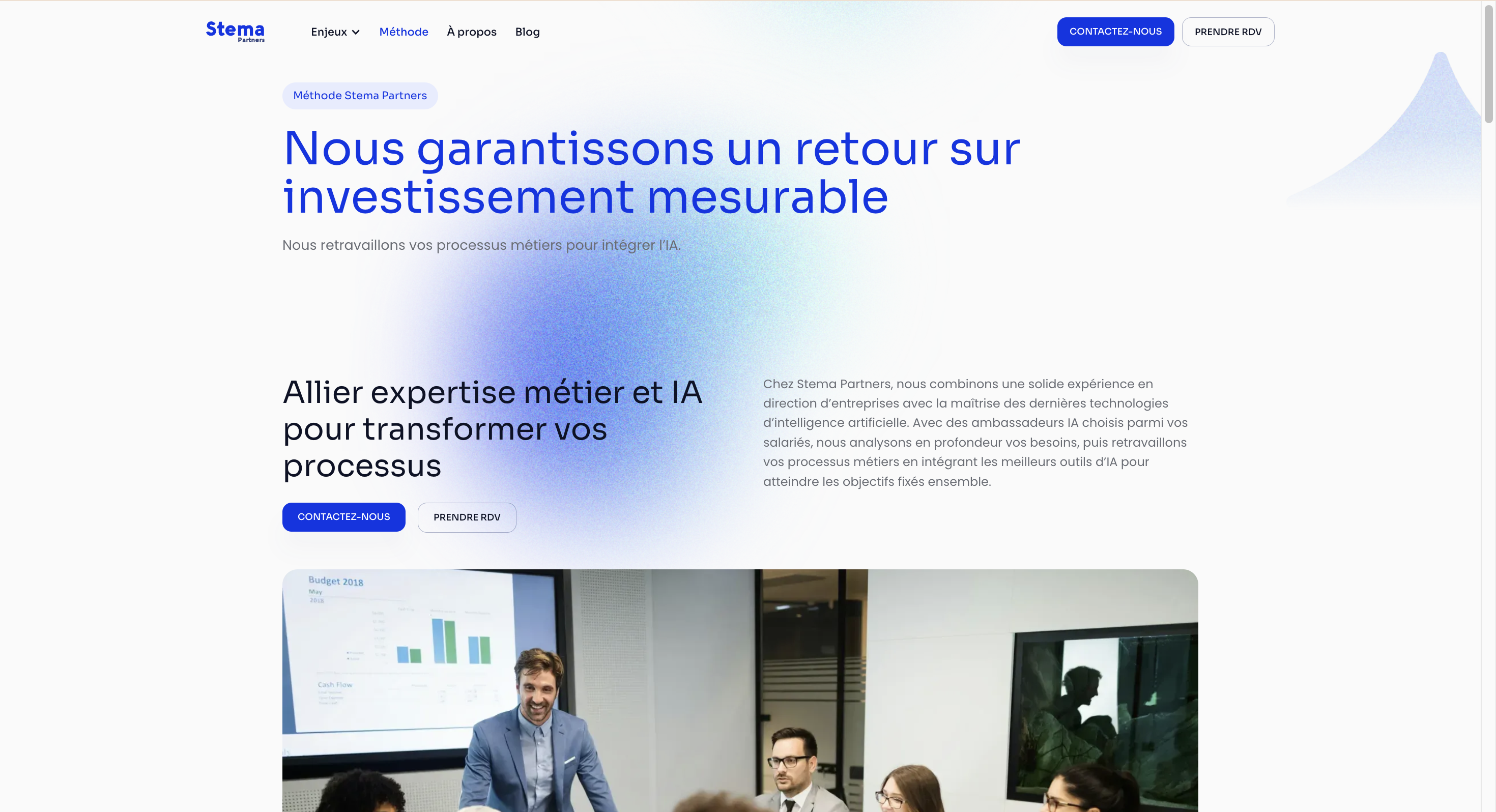
The structure of your Landing page should naturally guide the user to the final action. Start with a compelling header section with a clear title, an underline, and a CTA (call-to-action) visible. This first impression is crucial in encouraging the visitor to stay on the page.
Use Webflow to add logical sections: benefit presentation, testimonials, product or service characteristics, and finally a form or action button. Each section should provide new and relevant information.
Key visual elements to include:
- A header with a catchy title and explicit subtitle
- High-quality images or videos to support your message
- Alternating text and visual sections to maintain interest
- Customer or partner logos to reinforce credibility
- Testimonials from satisfied users
- A clearly visible form or CTA
Step 3: Optimize content and calls to action
Your landing page content should be concise and conversion-oriented. Avoid paragraphs that are too long; use sentences that are short and powerful. Each section should answer a question or solve a specific problem for your visitor.
Les CTA (calls to action) are the most important elements for converting. Use clear action verbs like “Get started for free,” “Download now,” or “Learn how.” Position multiple CTAs strategically on the page to maximize conversion opportunities.
Recommendations to optimize your content:
- Use direct and benefit-oriented language
- Include numbers and data to strengthen your credibility
- Focus on benefits, not features
- Use keywords that are relevant to SEO
- Adapt the tone to your target audience
- Test different CTA variants to identify the most effective ones
Step 4: implement monitoring and optimization
Once your landing page is online, the work continues. Use Google Analytics to track the behavior of your visitors and identify where they are leaving. Measure your conversion rate and compare it to your initial goals.
Optimization is a continuous process. Test different versions of your page (A/B testing) by changing the title, images, CTA, or structure. Each change should be measured to determine its impact on the conversion. With Webflow, you can easily test and deploy these changes.
Actions to be taken to optimize:
- Analyze bounce rate and dropout points
- Test different title and CTA variants
- Optimize page load speed
- Improving mobile design for a better user experience
- Adjust the form to reduce dropouts
- Take the next step by testing new acquisition channels
The benefits of using Webflow to maximize your conversion
Webflow offers unique advantages for creating effective landing pages. The platform combines design power and advanced marketing features, allowing your agency or internal team to create without technical limitations.
With Webflow, you have total flexibility to design exactly what you imagine. Unlike limiting templates, each element can be customized. You can add interactions, animations, and dynamic behaviors to engage your visitors and increase conversion rates.
The key features of Webflow for landing pages:
- Intuitive visual editor no code required
- Flexible grid system for accurate layouts
- Interactions and animations to engage the user
- Integrated forms with webhooks to capture data
- Native SEO optimization to improve your natural referencing
- Performance statistics directly in the dashboard
- Integration with marketing tools (Zapier, Google Sheets, etc.)
Design and ergonomics: creating an optimal user experience
The user experience is decisive in converting your visitors. A clear design and intuitive navigation reduce friction and encourage the user to move forward towards your conversion goal.
Start by using tools like Figma to prototype your landing page before developing it in Webflow. This allows you to test the user structure and flow without investing time in development. Once the design is validated, transpose it into Webflow using the appropriate components.
Essential principles for a optimal ergonomics :
- Clear visual hierarchy with distinct titles and subtitles
- Sufficient white spacing to avoid visual overload
- Consistent and limited color palette
- Legible and consistent typography throughout the page
- Visually distinct and easy to click buttons and CTAs
- Mobile-first navigation for a seamless experience across devices
SEO and search engine optimization
Search engine optimization is essential to increase the organic traffic to your landing pages. Webflow facilitates this optimization with built-in options for managing your meta tags, title structure, and content.
Start by identifying the main keyword you are targeting (for example “Webflow landing pages”). Integrate this keyword naturally into your H1 title, your Meta description and your content. Also, use related keywords and variants to enrich your content and improve your visibility.
SEO elements to optimize:
- H1 title that is unique and contains the main keyword
- Compelling meta description with call to action
- Short and descriptive URLs
- Logically structured title tags (H2, H3)
- Optimized images with relevant alt attributes
- Original and quality content
- Internal links to other relevant pages
- Optimized loading speed
Use forms to capture leads
Forms are the core conversion element for most landing pages. They allow you to capture information from your visitors and transform them into qualified prospects. However, a form that is too complex will discourage users.
Balance the amount of information you're asking for with your real need. A form with three fields will convert better than a form with ten fields. Start with the essential data (name, email, company) and use conditional questions to adapt the form according to the previous answers.
Optimizing forms for conversion:
- Limit the number of fields to the essentials
- Use clear and explicit labels
- Add a confirmation message after submission
- Integrate the form with your CRM or marketing tool
- Test different form lengths and formats
- Use real-time validations to guide the user
- Include a data protection statement to reassure
Use cases and examples of successful landing pages
High-performance landing pages follow proven models adapted to different goals. Whether it's selling a product, generating leads or promoting an event, each type of landing page has its own specificities.
For a sales landing page, focus on the benefits of the product or service, include testimonials from satisfied customers, and position a visible purchase CTA. For a lead generation landing page, focus on the value of the content offered (ebook, webinar) and simplify the form to maximize registrations.
Examples of landing pages by objective:
- Product sale : detailed presentation, testimonials, warranty, purchase CTA
- Lead Generation : free resource offer, simple form, CTA download
- Event registration : agenda, speakers, testimonies of previous events, CTA registration
- Free trial : demonstration of functionalities, comparison with alternatives, CTA free trial
- Webinar : organic expert, relevant topic, agenda, agenda, testimonies, CTA registration
Support from an agency specialized in Webflow landing pages
Creating an effective landing page requires expertise in design, marketing and optimization. A specialized agency like Synqro brings this expertise to ensure that your landing page actually converts.
Our approach combines marketing strategy, creative design and technical optimization. We start by understanding your purpose, audience, and market. Next, we design a unique landing page tailored to your specific needs and then continuously optimize it based on performance data.
Typical services of a Webflow agency:
- Audit your existing landing pages
- Strategy and definition of objectives
- UX/UI design and design
- Development in Webflow
- Integration of marketing and CRM tools
- SEO optimization and conversion
- Performance monitoring and recommendations
- A/B testing and continuous optimization
Conclusion and next steps
Creating effective Webflow landing pages is a strategic investment for your growth. By following the steps detailed in this article, you can design landing pages that convert your visitors into customers and increase your revenue.
The important thing is to start, measure and optimize continuously. Each landing page is an opportunity to learn what works for your audience. Use data to refine your approach and gradually increase your conversion rate.
Ready to create your Webflow landing page? Contact Synqro to benefit from the expertise of a specialized agency. We support you from strategy to launch, including continuous optimization to ensure measurable results.
Frequently asked questions
What is the average conversion rate for a landing page?
The average conversion rate for a landing page varies by industry, generally between 2% and 5%. Highly optimized landing pages can reach 10% to 20% conversion. The rate depends on several factors: the quality of incoming traffic, the relevance of the message, the design of the page, and the effectiveness of the CTA. To improve your rate, start by analyzing your current performance with Google Analytics, identifying dropout points, and testing progressive changes. A specialized agency can help you identify optimization opportunities specific to your context.
How do I optimize the loading time of my Webflow landing page?
The loading speed has a direct impact on your conversion rate. Optimize your images using modern formats (WebP), compress them before adding them to Webflow and use responsive images. Minimize unnecessary CSS and JavaScript code, enable browser caching, and use a CDN. Webflow already offers good hosting performance, but you can improve further by reducing the number of fonts used and delaying the loading of non-essential items. Test your speed regularly with tools like Google PageSpeed Insights.
Should you add several CTAs on a landing page?
Yes, but in a strategic way. Have a single main CTA in the header and in the Footer improves conversion. You can add secondary CTAs in the body of the page for visitors who want to take immediate action. However, avoid overloading the page with too many buttons that would cause confusion. The important thing is that the main CTA is clearly visible and that the message is consistent. Experiment with different positions and formulations to identify what converts best for your audience.
Is Webflow free to create landing pages?
Webflow offers a free plan with limitations: you can create and publish a landing page, but with Webflow ads and without access to advanced forms. For professional use and efficient landing pages, paid plans (starting at $12/month for the Starter plan) offer more features, no ads and better support. For an agency creating multiple landing pages for clients, team plans are recommended for collaborating and managing multiple projects.
How do I measure the success of my landing page?
Measure success by first defining clear KPIs: conversion rate, cost per lead, average value per customer. Use Google Analytics to track traffic, user behavior, and conversions. Analyze bounce rate, time spent on page, and abandonment points. Compare your performance with industry benchmarks. Test variations regularly to identify what improves conversion. Continuous monitoring allows you to progressively optimize your landing page and increase your ROI.
Key points to remember
- Landing pages are essential for converting visitors into customers thanks to a single and clear objective.
- Webflow allows you to create efficient landing pages without code, with total design flexibility
- Define your purpose and audience before you start designing
- Structure your landing page to guide the user to the final action
- Optimize content, CTAs, and forms to maximize conversion
- Use Google Analytics to measure performance and identify areas for improvement
- Mobile-first design and clear ergonomics are essential to convert
- SEO optimization improves your organic visibility and increases qualified traffic
- Continuously test different variants to refine your approach
- A specialized agency can help you create effective landing pages and increase your ROI.
Synqro's latest achievement